Arrival & Parking
Parking; You’ve arrived at Beach Bungalow 4. Head straight down and you’ll find extra and oversize vehicle parking at the end of the driveway. These are shared for all guests in the complex. You’ll see BB4 right on the right as you come around. Your welcome to park in any of the spots that are open. BB4’s reserved parking is the space closest to the unit. This street can become very dark at night so please be careful when walking at night.
Digital Door Lock
Digital Door Lock; To unlock the front door, you must always start by pressing firmly on the lower left corner house icon, directly above the red arrow to wake up the machine. Then firmly enter your four digit unlock code. This will be the unlock code for the duration of your trip so don’t forget it. The door will unlock automatically after code has been entered.
Troubleshooting Door Lock; If you cannot enter the home and a red x is flashing, that means you’ve entered your code incorrectly too many times and now have to wait one minute for the machine to unfreeze. First, please wait one minutes until the red x has disappeared, then firmly and slowly first tap the lower left corner above the red arrow, followed by your 4 digit unlock code. Should this not work, please reach out to your emergency contact found in your check in email. To lock the door when leaving, simple press the lock icon on the screen in the lower righthand corner. The door will lock automatically.
Beach Access & Supply Closet
Beach Access & Supply Closet; No matter the season, our favorite thing to do is take a fun walk on the beach with the dogs & kids. Here are the best public access points, all are just under a 2 minute walk. Heading down the street, the first access point is straight ahead. Be careful, this path is not well maintained and the rock steps onto the beach are not great.
We always enter via Tolovana Inn through their parking lot. They have a wonderful staircase with handrail. If you are bringing the wagon loaded with gear, use the ramp entrance on the side next to Moe’s Chowder Restaurant.
Your final option is turning left on South Hemlock and then right on Umpqua Street just one block down. This is easy access for dogs, people and tends to be the quiet end of the beach.
Cannon Beach does allow dogs to be off leash. Beach campfires are welcome to be made, as well as having an open container while on the sand. Please be sure to check all local laws.
Remotes & AppleTVs
TV and Apple TV Remotes. All TVs in the home are set up with Apple TV, including color-coordinated remotes for each room, so they don’t get mixed up. These remotes control everything—except switching TV inputs for gaming systems in the bunk room. To turn on the TV, use the power button on the TV remote. For streaming, use the Apple TV remote. Press the power button to wake it up, and then use the touchpad at the top to navigate. To open apps like YouTube, Cable, Hulu, Max, or Disney+, just select them from the home screen. To go back at any time, press the back button. When you’re done, press and hold the TV button to bring up the sleep menu and put the device to sleep. This will also turn off the TV. You shouldn’t need the TV remotes at all during your stay. If the volume control stops working on any of the Apple TV remotes—which can occasionally happen with the living room TV—simply turn on the TV using the color remote. Then, hold down both the TV control button and the volume down button on the Apple TV remote for 7 to 10 seconds. Wait about 45 seconds while the remote auto-disconnects and reconnects to the TV. After that, volume control should be working again.
Help, Remote Volume Not Working
This will reconnect the appleTV remote to the sound bar in the living room TV.
Heating & Cooling
Heating and cooling.
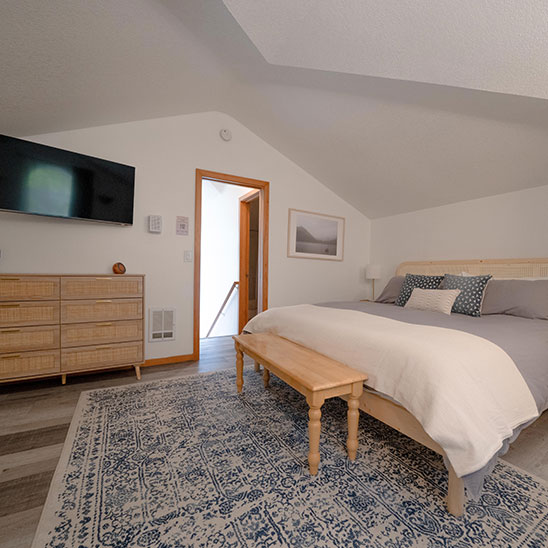
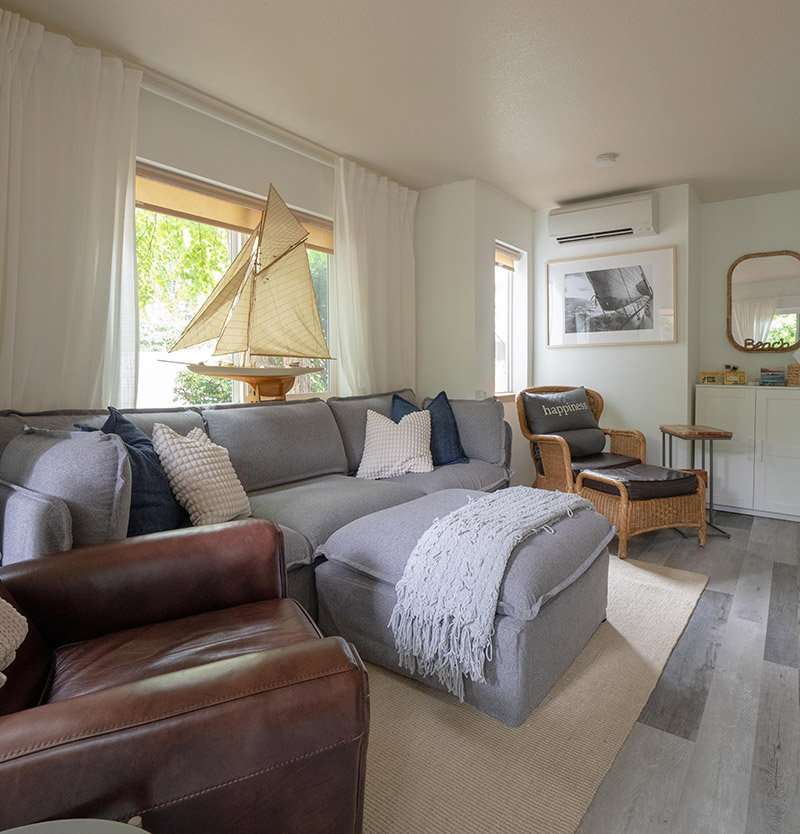
Beach Bungalow 4 has both heating and air conditioning from the white mini split units in the living room and bedroom. Use the remotes to turn the unit on or off.
You can then slide down the remote screen to change between air conditioning — the snowflake symbol, heating — the sunshine, fan only — the fan symbol, or auto mode. You can also change the desired fan level to increase or decrease airflow. To turn the unit off, just hit the power button.
Please note: this system can only run one option at a time. That means you can’t have heat on upstairs and air conditioning downstairs — it’s either one or the other.
Again, to turn off, simply hit the power button.